How to Create Beautiful Preview Grids for Large Digital Art Packs
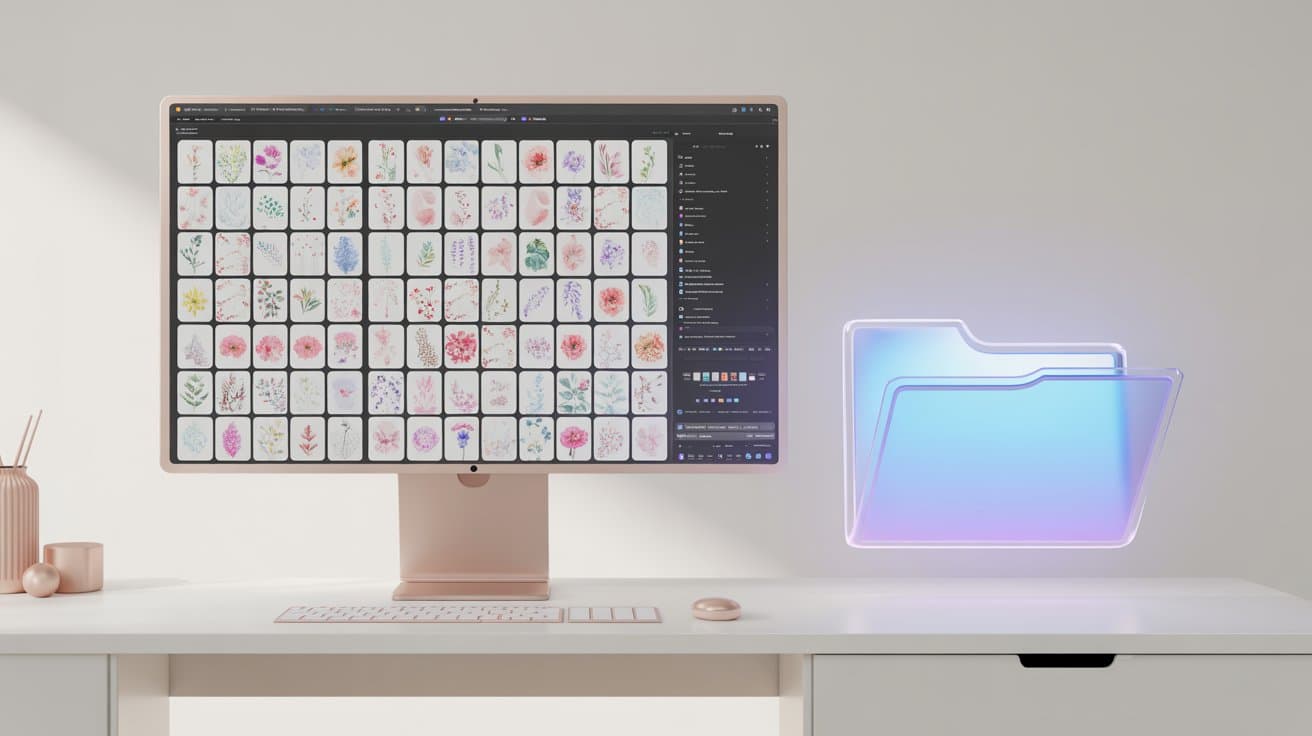
If you sell digital art bundles, clipart packs, or sticker sets on platforms like Etsy or Creative Market, you know that buyers want to see exactly what they are getting. When you are selling a pack of 50, 100, or even 500 images, a single cover photo just isn't enough.
You need beautiful, organized preview grids (often called contact sheets) to showcase the sheer volume and quality of your collection. But creating these manually is a massive headache.
The Nightmare of Manual Grids
Most sellers try to build these preview images in Canva or Photoshop. The process usually looks like this:
- Create a blank canvas.
- Drag and drop 50 individual images onto the canvas.
- Spend 30 minutes manually resizing, aligning, and distributing them so the spacing looks even.
- Realize you missed an image, and have to shift everything around again.
When you have multiple packs to list, this tedious process eats up hours of your valuable time—time you could be spending creating new art.
The 5-Second Solution: Artigo's Grid Engine
This is exactly why we built the Grid Engine into Artigo. It's designed specifically to take the pain out of creating preview sheets for large digital bundles.
Instead of manually aligning images, you simply:
- Drop your folder of 50+ images into Artigo.
- Select the Grid Engine and choose a preset (like an 8x8 thumbnail grid, or a 4x4 contact sheet).
- Click generate.
In seconds, Artigo automatically calculates the math, perfectly spaces your images, and generates high-resolution, print-ready grid sheets. If you have 100 images and choose a 25-image grid, Artigo will automatically create 4 perfectly formatted pages for you.
You can even customize the rows, columns, margins, and spacing to perfectly match your brand's aesthetic.
Stop wasting time aligning images
Artigo runs 100% offline on your Windows PC. Download it today and see how fast you can generate your next product preview gallery.
Download Artigo Free